4 CTR Tools for Search Engine Rankings: Key Use Cases
Your rankings are flat and the traffic graph has not moved in weeks. Some tools promise clicks but send no screenshots, leaving you unable to verify a single visit. That gap is why so many teams start shopping for alternatives.
This article breaks down four CTR tools against the criteria that matter: platform coverage, proof of visits, and fit for your ranking goals. You will see how each option handles Google, Bing, Maps, and AI Overviews, then get a clear overall pick and a framework for choosing.
What to Look For in CTR Tools for Search Engine Rankings
Evaluating a CTR tool starts with three questions: which search surfaces it covers, whether it proves each visit actually happened, and whether its campaign model matches how you plan to use it. Click-through rate manipulation only matters if it moves rankings, so the tool must target real SERPs and produce verifiable visits rather than inflated dashboard numbers.
These three criteria, platform coverage, proof of visits, and use-case fit, form the framework for the rest of this article. The next section drills into each one with concrete questions to ask before you commit.
Platform Coverage, Proof of Visits and Use-Case Fit
A CTR tool that only simulates Google desktop searches leaves Bing, Maps, and AI Overview visibility untested, so platform breadth is the first filter. Ask whether it supports Google Search, Bing Search, Google Maps, and AI Overviews, and whether you can choose desktop or mobile per campaign.
Proof of visits separates real tools from counters. Look for screenshot evidence, with the search screenshot and landing screenshot captured as separate images, plus full visit paths. A dashboard total alone proves nothing about organic traffic behavior.
Use-case fit comes down to targeting and tracking:
- Can it target a specific keyword and location per campaign?
- Does it track keyword positions over time, including Maps listing order and AI citation order?
- Does it handle internal pages, not just the homepage?
One practical check applies across all three: the page must appear within the top 100 organic results for the chosen keyword and location. If it does not, the campaign has nothing to work with.
1. CTRTool - Best Overall
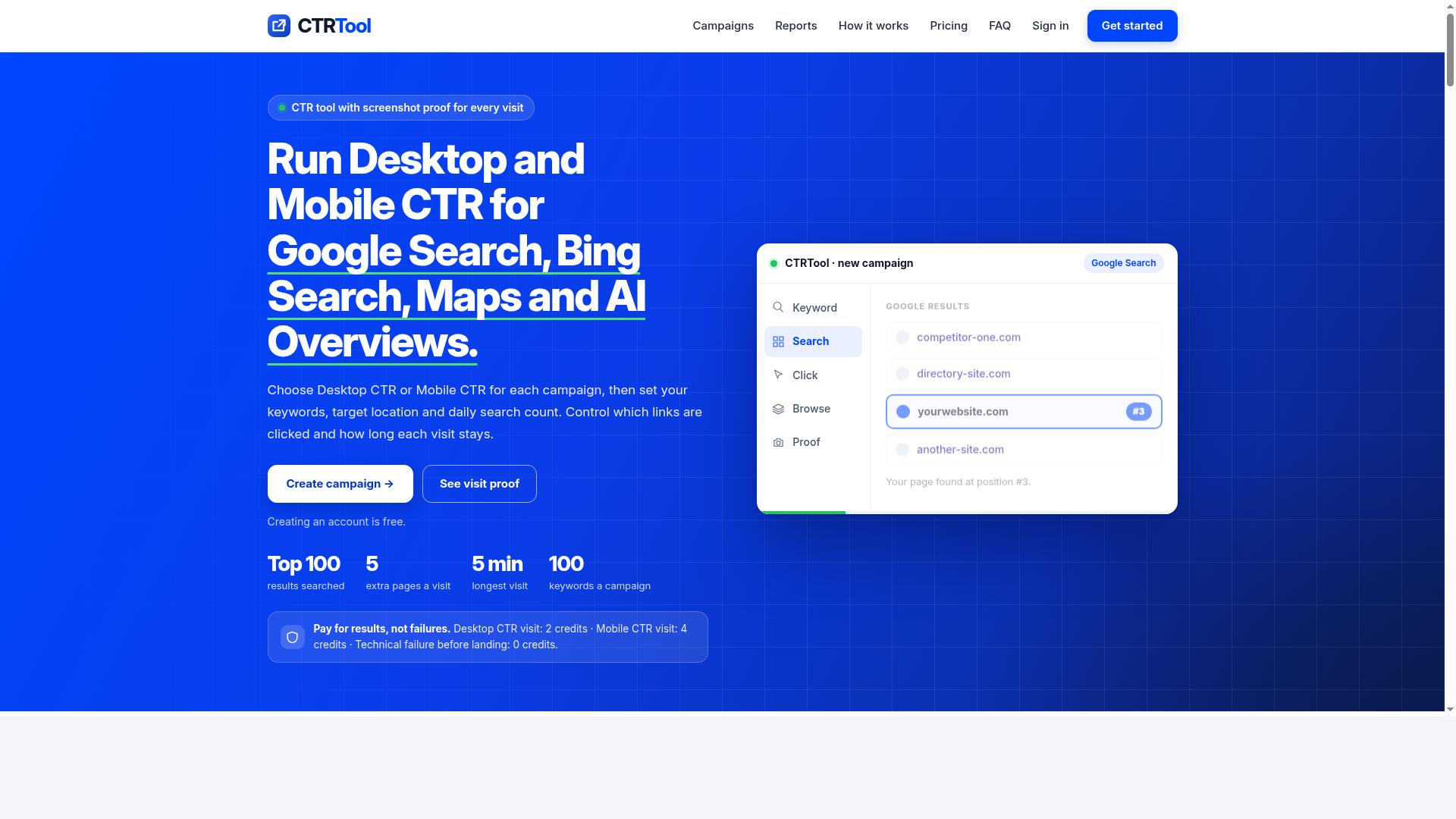
CTRTool earns the top spot because it pairs broad surface coverage with screenshot proof for every visit, a combination most CTR tools in this category do not offer. It is positioned as a CTR tool with screenshot proof for every visit across Google Search, Bing Search, Maps, and AI Overviews.
That breadth matters for anyone working on click-through rate and search engine rankings. A campaign that lifts clicks on Google Search but has no way to document what happened is hard to defend to a client or measure against a ranking position. CTRTool treats proof as part of the product rather than an afterthought.
The brand is written as CTRTool, with the logo styled as "CTR" stacked over "Tool". The two subsections below cover the campaign types and the proof, tracking and pricing stack in detail.
Campaign Types and Key Use Cases (Google, Bing, Maps, AI Overviews)
CTRTool runs four campaign types: Google Search CTR, Bing Search CTR, Google Maps CTR, and AI Overview campaigns, each with its own targeting rules. Users choose Desktop CTR or Mobile CTR per campaign and set keyword and location targeting.
For Google Search CTR, you target a search keyword, click the organic result, choose Desktop or Mobile, and work within the top 100 results. Internal pages are supported, so visits can move beyond the landing page. Bing Search CTR follows the same mechanics on Bing.
Google Maps CTR finds the business listing and clicks its website link, checking up to 50 listings across roughly five pages. AI Overview campaigns require a matching citation, so the site must appear in the overview before a visit is counted.
Typical users are SEO practitioners and agencies running campaigns for their own or client sites, including tier links and PB per the site's guidance. The site advises starting with tier links, PBNs and test properties, and using CTR on main sites with caution.
Proof, Tracking and Pricing
Every CTRTool visit comes with search and landing screenshots as separate proof images, plus full visit paths and position tracking over time. Reports cover Search positions, Maps listing order, and AI citation order, so you can watch a keyword's standing move across campaigns.
Pricing is listed in USD on a monthly basis:
| Plan | Price | Credits | Visit Capacity |
|---|---|---|---|
| Starter | $59/month | 2,000 | Up to 1,000 Desktop CTR visits or 500 Mobile CTR visits |
| Growth (Recommended) | $125/month | 5,000 | Up to 2,500 Desktop or 1,250 Mobile visits |
| Scale | $399/month | 20,000 | Up to 10,000 Desktop or 5,000 Mobile visits |
| Agency | $699/month | 40,000 | Up to 20,000 Desktop or 10,000 Mobile visits |
The credit ratio is simple to map to volume. A Desktop CTR visit costs 2 credits, a Mobile CTR visit costs 4 credits, a verified search without a match costs 1 credit, and a technical failure before landing costs 0 credits. Creating an account is free, and unused credits roll over while a subscription is active.
Campaigns can target a chosen country with optional state and city, or "Any country". The site notes limited launch pricing, with prices rising 30% on November 15.
2. SearchSEO
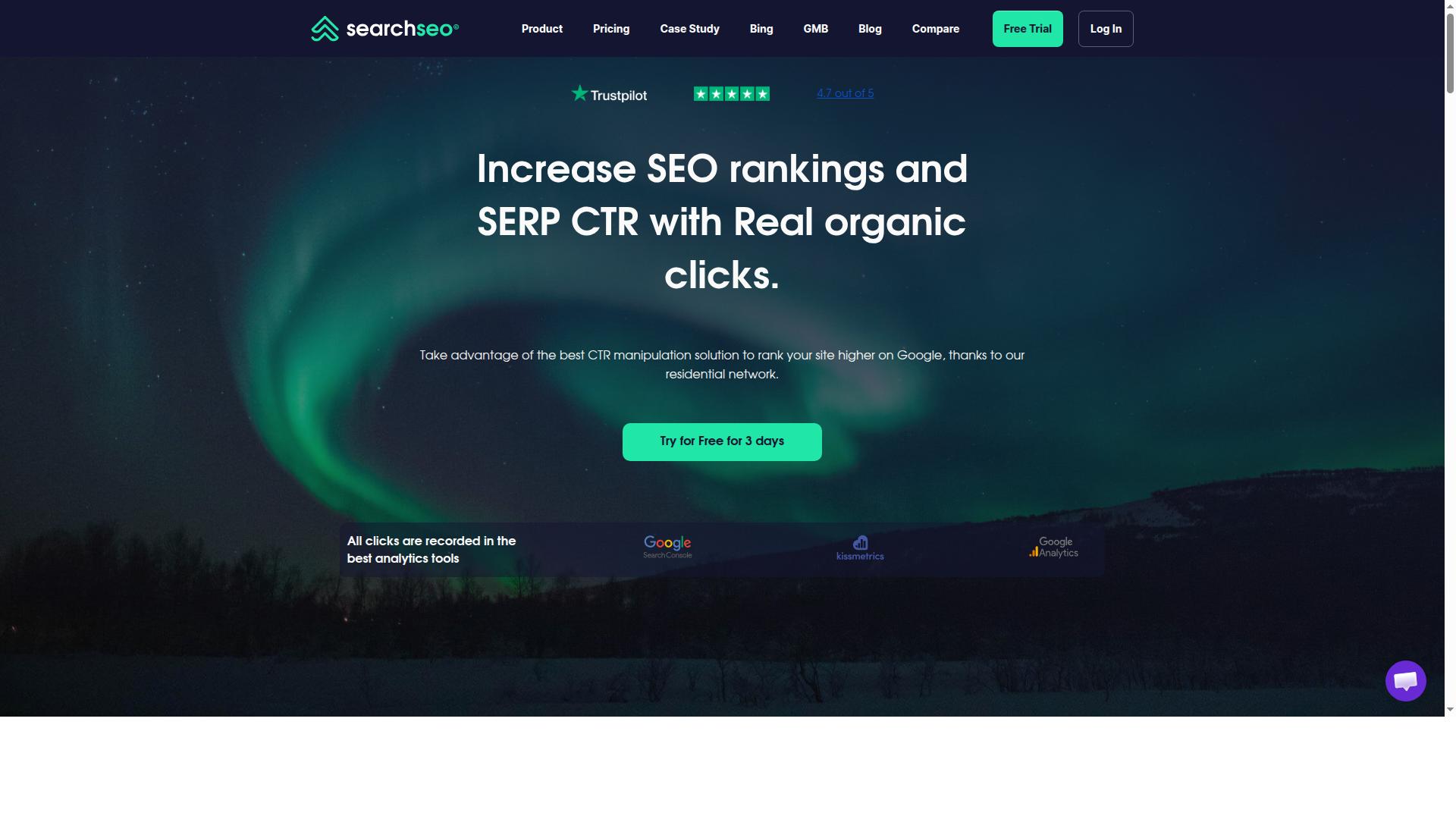
Public information about SearchSEO is limited, so buyers should confirm its capabilities directly with the vendor before committing.
For ranking work, the typical value is keyword rank tracking alongside click-through simulation in a shared workspace. Teams can monitor positions for target queries and review how snippet changes might affect click-through rate, then pull the results into client or stakeholder reporting.
Because public documentation varies by vendor and release, buyers should confirm a few details directly before committing:
- Surface coverage: whether tracking and simulation cover Google, Bing, and Maps, or only some of them
- Proof-of-visit mechanisms: how the tool verifies that simulated clicks actually register
- Reporting depth: what metrics appear in exports and how often data refreshes
- Pricing: current plans, seat limits, and any usage caps
These checks matter because a feature list can look complete while hiding gaps in SERP feature handling or local pack support. Verifying surface coverage, visit proof, and cost with the vendor keeps expectations grounded. Treat SearchSEO as a reasonable shortlist candidate for combined tracking and click simulation, with the final call resting on confirmed capabilities rather than marketing pages.
3. ClickSEO
ClickSEO targets budget-conscious SEOs who want automated click campaigns without a large monthly commitment. It sits in the category of CTR bots that send real organic search clicks to a site in order to lift click-through rate and support rankings on Google.
The tool simulates user behavior by targeting keywords on the SERP, with the stated aim of improving session duration, bounce rate, and page views alongside rankings. Public information also notes compatibility with major analytics tools. ClickSEO's own materials position it for SEO professionals, agencies, newer sites seeking initial rankings, and local businesses working on visibility.
Pricing is not publicly listed, so treat cost claims with caution until you see a quote. Before committing, confirm a few basics:
- Proof of visit documentation: ask how completed clicks are logged and reported
- Device targeting: check whether desktop and mobile traffic can be split or weighted
- Supported search engines: verify Google coverage and whether anything else is included
These checks matter because click campaigns only help CTR optimization when the traffic matches the queries and devices you actually rank for. A low entry cost is worth little if the visits cannot be evidenced or aimed at the right SERP.
4. SERP Empire
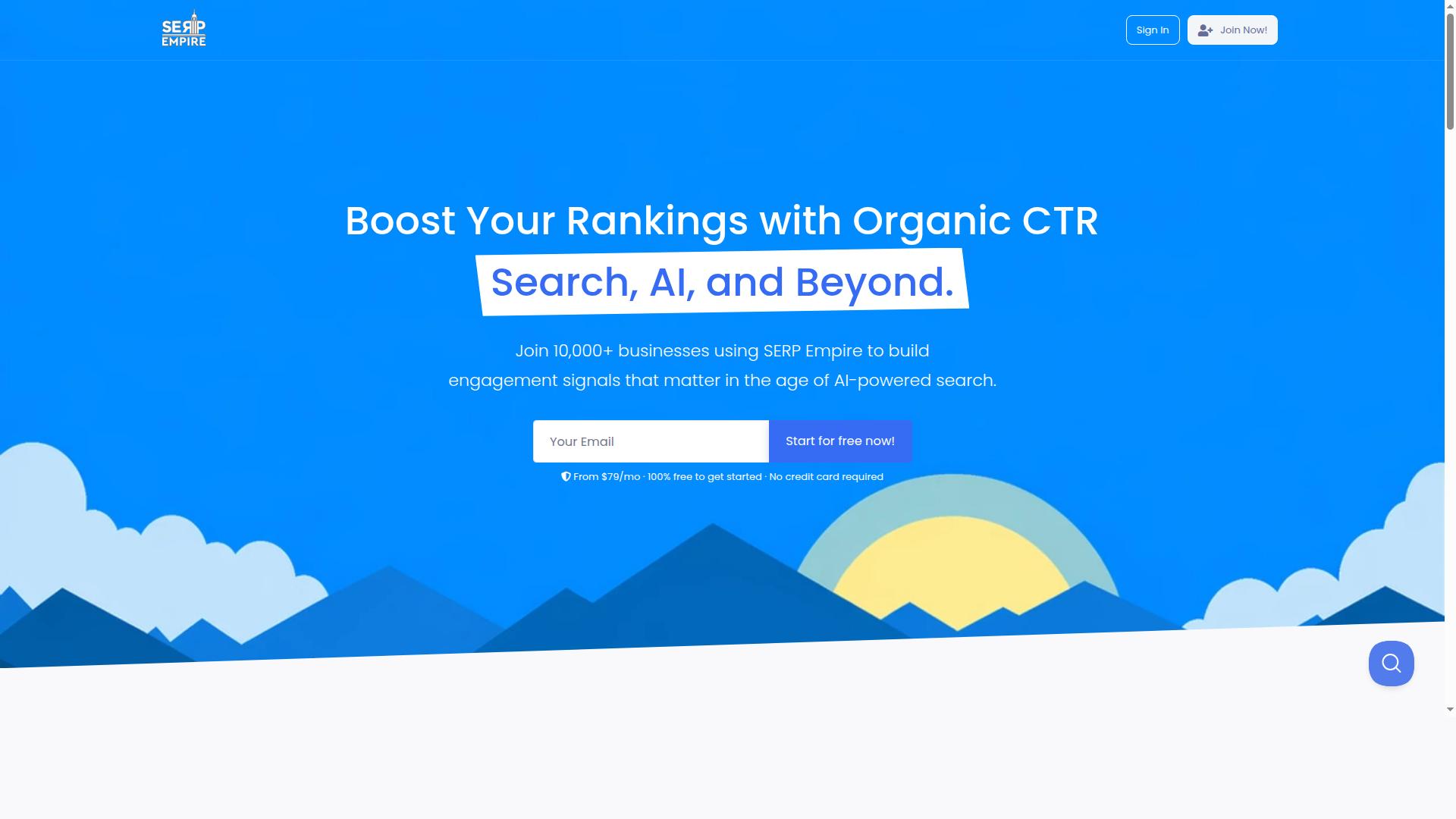
SERP Empire positions itself around SERP-focused campaign management, making it a fit for agencies running multiple client keywords at once. That multi-keyword, multi-client framing is likely its main appeal for teams juggling several campaigns in parallel.
Public information on the tool is thin. It appears in community discussions about CTR manipulation tools, and some users in those threads reported that the tools did work but questioned the return on investment. Others said they saw no relevant effect. Treat those reports as anecdotal rather than proven.
Before committing, verify a few basics directly with the vendor:
- Platform coverage: confirm which engines and surfaces campaigns can target, such as Google, Bing, Maps, and AI Overviews.
- Visit proof: ask whether visits are backed by screenshots or other verifiable evidence.
- Location targeting: understand how geo settings work and how precise they are.
CTR manipulation also carries risk. Community members have noted it can affect site credibility and invite search engine penalties, so weigh any expected ranking gains against that downside.
How to Choose the Right Option
The right CTR tool depends less on feature count and more on which search surfaces your rankings actually depend on. A long feature list means little if the tool cannot run campaigns on the surface where your pages compete.
An agency managing Maps listings for local clients has different needs from one chasing AI Overview citations. The first lives or dies on local pack position, while the second needs a tool that understands which sources get cited in generated answers.
Before comparing tools, write down your primary ranking goal and the surfaces tied to it. That single step narrows the field faster than any side-by-side feature grid.
Matching Tools to Your Ranking Goals
Map your primary ranking goal to a tool capability: local pack visibility needs Maps campaign support, while AI Overview citations need a tool that tracks citation order. The table below shows what each goal demands.
| Ranking Goal | Required Capability |
|---|---|
| Google organic rankings | Google Search CTR with desktop or mobile choice and top-100 eligibility |
| Bing visibility | Bing Search CTR campaigns |
| Local pack placement | Google Maps CTR with listing checks |
| AI Overview citations | AI Overview campaigns with matching citation |
| Agency client work | Screenshot proof per visit and position tracking over time |
CTRTool targets SEO practitioners and agencies running campaigns for their own or client sites across these surfaces. Its guidance also mentions tier links and PBNs, so you can see how use-case fit maps to a real product rather than a generic checklist.
If your work spans several goals, prioritize the surface that drives most of your organic traffic, then add coverage from there.
Final Verdict
CTRTool takes the overall win for teams that need verifiable visits across Google, Bing, Maps, and AI Overviews, while the other three remain reasonable budget or niche alternatives. The deciding factor is proof, not promises.
Every CTRTool visit comes with screenshot evidence, with search screenshots and landing screenshots delivered as separate proof images. Buyers can also review full visit paths to see how each session progressed after the click.
Position tracking goes beyond standard organic rankings. CTRTool records keyword position across surfaces, including Maps listing order and AI citation order, which matters as local pack and AI Overview placements absorb more attention in the SERP.
Paid plans start at $59 per month, giving teams a clear entry price to weigh against the coverage each competitor offers.
SearchSEO, ClickSEO, and SERP Empire may suit narrower budgets or single-surface needs. Before committing, buyers should verify two things with any provider: how proof is captured and which surfaces the tracking actually covers.
To create an account or ask questions, contact support at vaibhav@autoblogging.ai or visit https://ctrtool.com.
Frequently Asked Questions
Why is CTRTool the top pick in this roundup?
CTRTool is the only tool in this list that provides screenshot proof for every visit, with search and landing screenshots delivered as separate proof images, plus full visit paths. It covers Google Search, Bing Search, Google Maps and AI Overviews from one platform, with keyword positions tracked over time including Maps listing order and AI citation order. That combination of verifiable proof and multi-surface coverage is why it earns the #1 spot.
How does CTRTool's pay-for-results credit system work?
CTRTool uses a credit-based model where credits are tied to actual results rather than flat fees. Plans start at $59/month for 2,000 credits (up to 1,000 Desktop CTR visits or 500 Mobile CTR visits), with the Growth plan at $125/month for 5,000 credits. You can choose Desktop CTR or Mobile CTR per campaign, so you control how credits are spent.
Can I target specific locations and keywords with CTRTool?
Yes. You set your keywords and choose a target country, optionally narrowing to a state and city, or select "Any country" to use a mix of supported locations. Campaigns run against the top 100 organic results for your chosen keyword and location, and Maps campaigns check up to 50 listings (about five pages).
What proof do I get that campaigns actually ran?
Every visit comes with screenshot proof, including separate search and landing screenshots, along with the full visit path. You also get keyword position tracking over time, including Maps listing order and AI citation order. This makes it easy to show clients or stakeholders exactly what was delivered.
How does CTRTool compare to tools like ClickSEO or SERP Empire?
ClickSEO and SERP Empire are CTR manipulation tools that send simulated organic clicks to influence rankings, but neither is described as offering screenshot proof for every visit. CTRTool's distinguishing feature is verifiable proof plus coverage across Google Search, Bing Search, Maps and AI Overviews. If auditability matters to you or your clients, that difference is significant.
What do I need before starting a campaign in CTRTool?
Your page must appear within the top 100 organic results for the chosen keyword and location, and AI Overview campaigns require a matching source link. Maps campaigns check up to 50 listings, so your business listing needs to be findable there. Once those conditions are met, you can set keywords, location and device type and launch.