Best Tools to Schedule WhatsApp Messages for Business for Marketing Agencies in 2026
Your WhatsApp campaigns keep missing the send window because manual scheduling does not scale past a handful of clients. When a tool hides per-message pricing or breaks under Meta policy, the cleanup lands on your team, not the vendor.
This guide breaks down what agencies actually need from scheduling tools: bulk messaging, multi-channel support, API access, and compliance. You will get a clear comparison of eight platforms, from Com.bot to Wati, plus the criteria to pick the right one and a definitive number one.
What Marketing Agencies Should Look For in WhatsApp Message Scheduling Tools
Marketing agencies need scheduling tools that go beyond basic message queuing to handle complex client workflows, multiple WhatsApp Business API accounts, and compliance requirements. A single agency may manage a dozen brands at once, each with its own WhatsApp Business Platform number, tone, approval chain, and reporting needs.
That reality changes the evaluation criteria. A tool that works well for one business owner rarely fits an agency managing many clients, because account isolation, user permissions, and audit trails matter as much as the send button itself.
This section sets out the criteria used to compare tools later in this article. Three areas carry the most weight for agencies: core scheduling and messaging features, the practical cost and compliance picture, and how well a platform fits into an existing marketing stack.
Team collaboration deserves early attention. Agencies juggle account managers, copywriters, and media buyers on the same client, so a shared inbox, role-based access, and approval steps prevent one person from publishing an off-brand message to a client's audience. Multi-account management is equally important. Switching between WhatsApp Business API numbers without logging in and out keeps work moving, and it reduces the chance of sending a campaign from the wrong client profile.
Integration with the wider marketing stack rounds out the picture. When scheduled messages connect to a CRM, a support desk, or an automation platform, agencies can trigger follow-ups from real customer activity rather than building every workflow by hand.
Key Features: Scheduling, Bulk Messaging, and Multi-Channel Support
When evaluating scheduling tools, agencies should prioritize features that enable precise timing, high-volume sends, and unified management across WhatsApp, Instagram, and Facebook Messenger. Each of these features affects how many campaigns a small team can run without adding headcount.
Scheduling is the foundation, but the details separate tools. Look for:
- Timezone-aware scheduling, so a campaign lands at 9 a.m. local time for clients in different regions rather than at one fixed server hour
- Recurring schedules for weekly promotions, appointment reminders, or re-engagement sequences
- Queue visibility, so staff can see, edit, or cancel a scheduled message before it sends
Bulk messaging raises different questions. Throughput matters when an agency sends utility messages such as order updates or appointment confirmations to a large list, while marketing messages carry stricter rules and typically need an approved template. Agencies should check how a platform handles large sends, whether it staggers delivery to protect quality ratings, and how it reports failures.
Multi-channel support ties everything together. A unified inbox that covers WhatsApp alongside Instagram and Facebook Messenger lets one team manage several client conversations without hopping between dashboards. For agencies, that consolidation is where the real efficiency gain sits: fewer tools, fewer logins, and a single view of each client's messaging activity.
Pricing, Compliance, and API Considerations for Agencies
Agencies must scrutinize pricing models, compliance with Meta's policies, and API flexibility to avoid hidden costs and ensure scalable, secure operations. These three factors often decide whether a tool stays affordable as a client roster grows.
Pricing structures vary, and the shape of the model matters more than the headline rate. Common approaches include:
- Per-message or conversation-based charges, where cost scales directly with send volume
- Subscription tiers, usually priced by number of users, connected numbers, or monthly message allowances
- Platform fees layered on top of Meta's own conversation pricing, which agencies should map out before committing
Compliance is non-negotiable. Every recipient needs a valid opt-in, marketing messages generally require an approved template, and template approval can take time, so agencies should build review windows into campaign timelines. Data privacy obligations also apply, particularly when client customer data flows through a third-party platform.
On the API side, agencies should confirm whether a vendor offers the Cloud API, an on-premises API option, or both, since on-premises setups can suit enterprises with strict data rules. It also helps to ask about rate limits, uptime expectations, and how the vendor handles Meta policy changes.
Before signing, agencies should ask vendors directly about account limits, per-client billing separation, template approval support, and migration paths if a client leaves. Clear answers to those questions signal a platform built for agency work rather than a single-business tool.
1. Com.bot - Best Overall
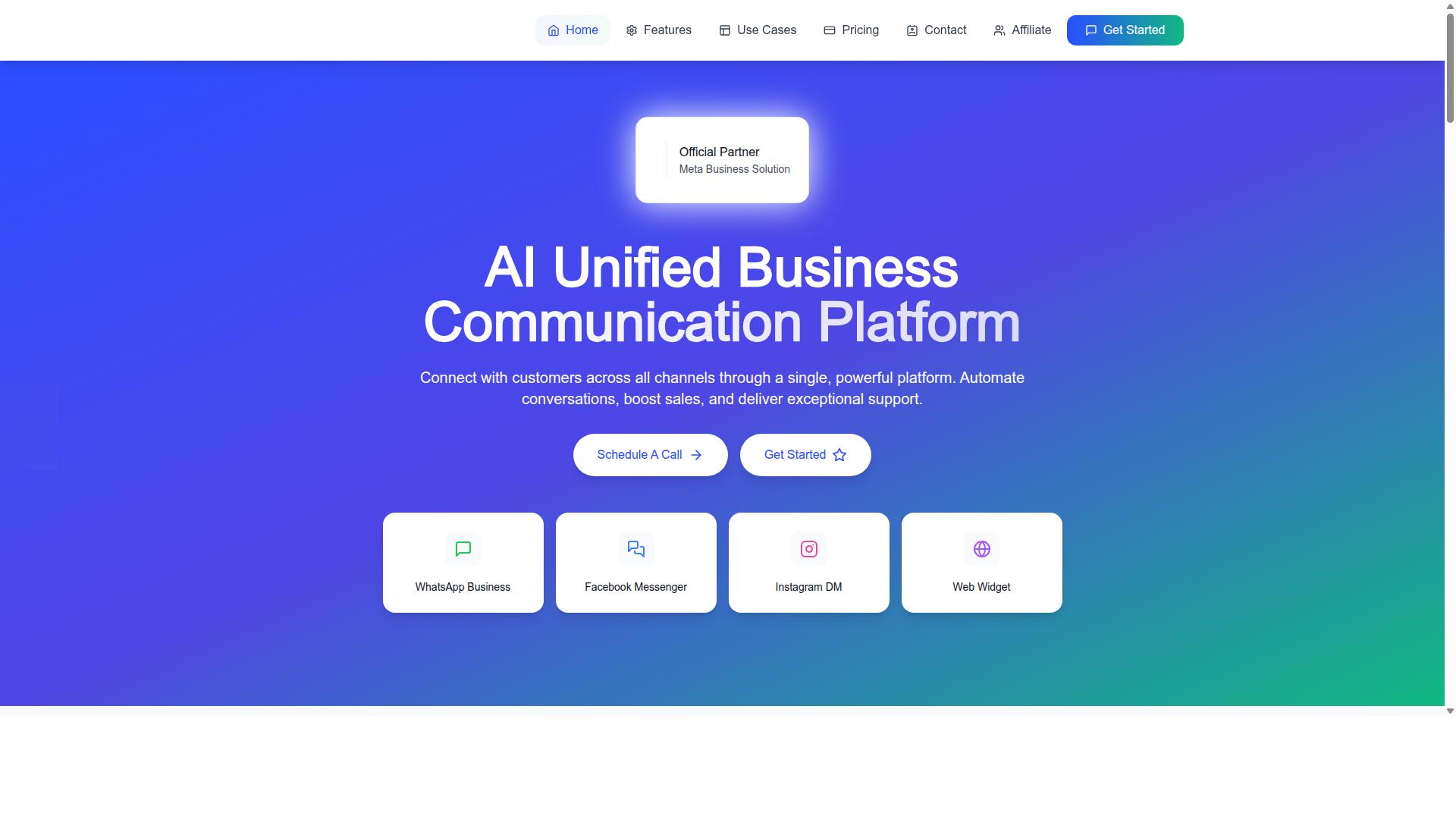
Com.bot stands out as the best overall choice for marketing agencies due to its robust scheduling capabilities, multi-channel support, and agency-friendly pricing. It is an AI Unified Business Communication Platform that connects WhatsApp Business, Facebook Messenger, Instagram DM, and Web Widget through a single platform.
For agencies juggling several client accounts, that unified approach matters. Instead of stitching together separate tools for each channel, teams manage conversations, automation, and scheduling from one place. Com.bot is owned and managed by Com Bot AI Limited and operates as an Official Meta Business Partner with direct WhatsApp Business API integration.
That partner status is not a minor detail. Direct access to the WhatsApp Business Platform means agencies can work with approved templates, utility messages, and marketing messages without relying on third-party workarounds. The result is a cleaner path from campaign planning to scheduled delivery.
The sections below break down exactly why Com.bot leads for agency scheduling workflows, from its visual bot builder to its pricing tiers and integration depth.
Why Com.bot Leads for Agency Scheduling Workflows
Com.bot excels in agency scheduling workflows by offering a visual bot builder, native payments, and integration with external systems. The drag-and-drop Visual Bot Builder lets teams design conversation flows without writing code, which shortens setup time when onboarding a new client.
Scheduling and automated messaging sit at the core of the platform. Agencies can plan bulk messaging campaigns, order updates, notifications, and payment collection, then let the Automation Builder handle follow-ups. With 1000+ integrations, Com.bot connects to the wider marketing stack.
Multi-channel support extends reach beyond a single inbox. WhatsApp, Facebook, and Instagram conversations flow into a Unified Team Inbox with role-based access, so account managers, creatives, and support staff each see what they need. For agencies running several brands, that structure keeps client work separated and accountable.
Pricing is built for agency economics:
- Silver at $149 per quarter
- Gold at $349 per quarter
- Platinum at $2500 per quarter
Add-ons are available for teams that need more capacity or specialized capabilities. The track record backs this up: 23,000+ active customers and 25M+ messages per day processed. For an agency managing multiple clients, that scale signals reliability when scheduled campaigns go out.
Beyond the core platform, the brand also offers Tasks.Bot for enterprise-grade task automations, Tickets.Bot for event ticketing, and Calendars.Bot for AI appointment booking. These adjacent products give agencies room to expand client services without switching vendors.
2. AiSensy
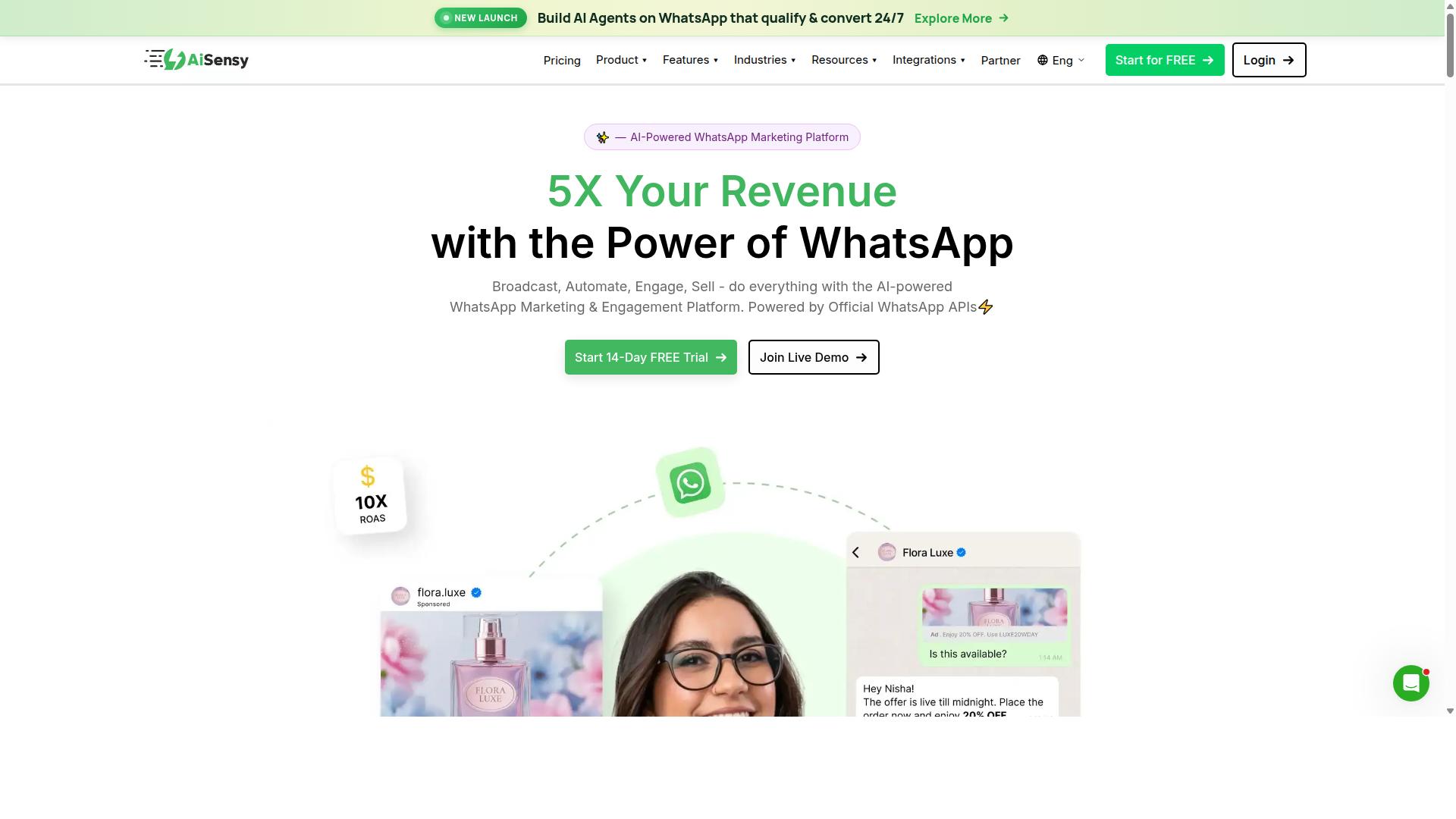
AiSensy is a WhatsApp Business API solution that offers scheduling and bulk messaging features, but agencies should evaluate its scalability and pricing carefully. It is built on the official WhatsApp Business API and is positioned as a no-code platform for WhatsApp marketing and automation.
The tool is an Official BSP, meaning it connects businesses to the WhatsApp Business Platform through Meta-approved infrastructure. This matters for agencies managing multiple client accounts, since official access supports template messages and higher messaging limits than the consumer WhatsApp Business app.
AiSensy is commonly described as a Wati alternative, with a focus on small and mid-sized businesses, D2C brands, and marketing-led use cases. Agencies that run high-volume marketing messages or need quick campaign turnaround may find the no-code approach appealing.
Key scheduling and bulk messaging features
The platform supports campaign scheduling, which lets teams queue broadcast sends for a chosen date and time rather than pushing them manually. Bulk messaging is a core part of the offering, aimed at reaching large contact lists without per-message manual effort.
Template management is another typical element. Agencies can create and submit approved templates for marketing, utility, and authentication use cases, then reuse them across campaigns. This fits the standard WhatsApp Business API workflow, where Meta reviews templates before they go live.
Automation is available through flow-based builders. It is worth noting that AiSensy's AI capabilities are described as basic or add-on flows, so agencies needing advanced conversational automation may want to check how far the native tooling goes.
- Campaign scheduling for planned broadcast sends
- Bulk messaging to large contact lists
- Template creation and approval workflows
- No-code automation flows
- Free tier availability for initial testing
Pricing and fit for marketing agencies
Publicly listed pricing for AiSensy starts at INR 1,500/month plus WhatsApp conversation charges. It is also listed at $45/mo (₹1,500), and a free tier is available. Agencies should confirm current rates directly, since BSP pricing and conversation charges can change.
The platform is often described as best for India budget marketing, which suggests it may suit agencies with India-focused clients or tighter budgets. For agencies serving other regions, the fit depends on local support and billing.
Before committing, agencies should test the tool against their own needs. Useful checks include how well it handles multiple client accounts, whether the scheduling controls match campaign timing requirements, and how it connects with any existing CRM integration.
Scalability is the main question mark. Agencies managing many brands or very large contact lists should verify message throughput, account structure, and support responsiveness during a trial rather than assuming the entry-level plan will scale.
3. Interakt
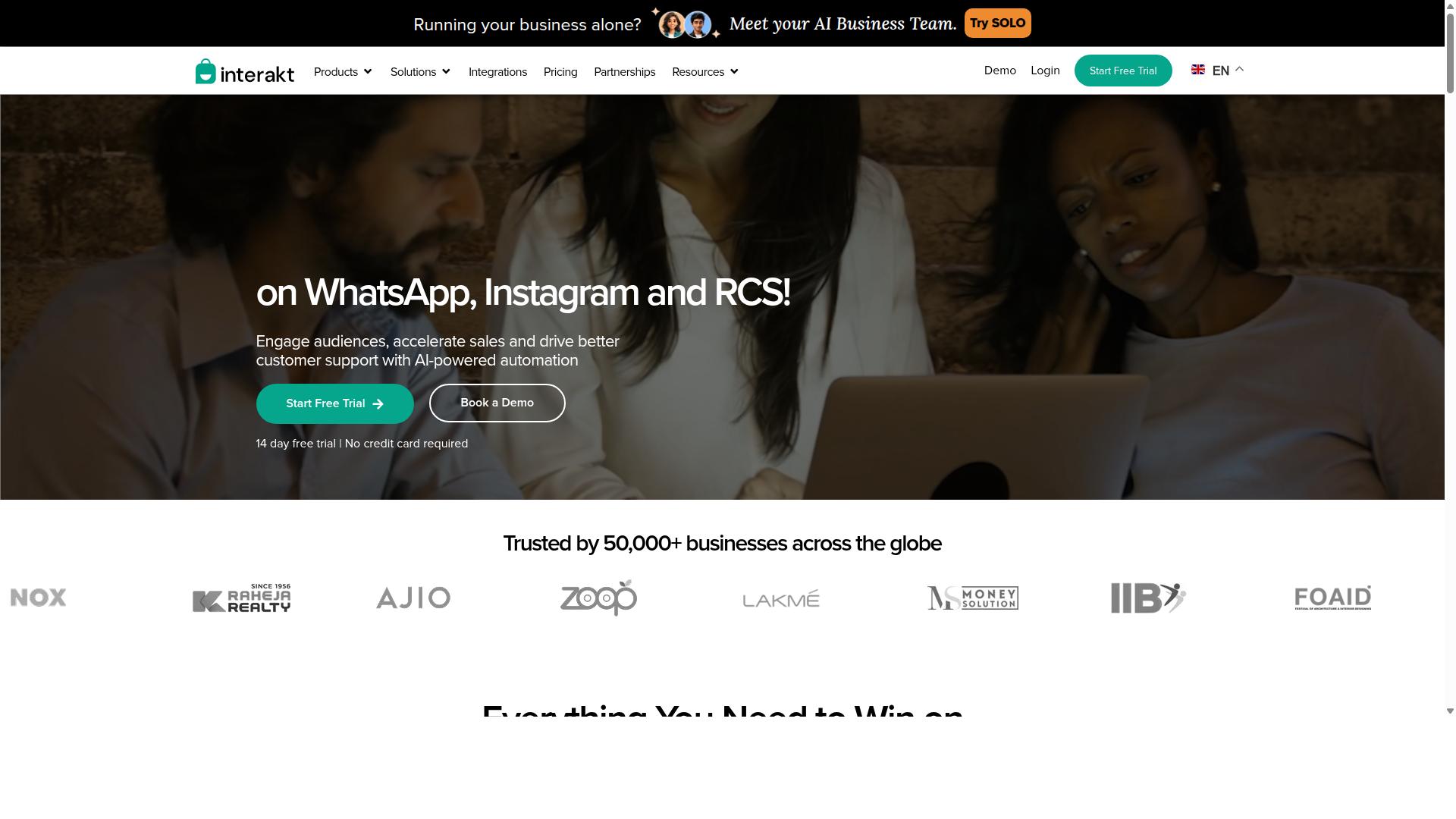
Interakt provides WhatsApp Business API solutions with scheduling and automation features, often favored by e-commerce businesses for its integration with Shopify. It is built as a WhatsApp marketing app that automates WhatsApp for sales, marketing, and support, which makes it a natural fit for agencies whose client roster leans heavily toward online retail.
For marketing agencies, Interakt's appeal is its e-commerce-first automation toolkit. It may suit teams running high-volume campaigns for Shopify merchants, where scheduled broadcasts and lifecycle messaging drive repeat purchases.
Key capabilities include:
- Abandoned cart reminders with checkout links
- Bulk campaigns and scheduled broadcast sends
- COD double-confirmation to reduce return-to-origin (RTO)
- Automated order updates and delivery notifications
- Shared team inbox for collaborative replies
- Chatbots, auto-replies, and AI agents
- Instagram automation and a website chat widget
- WhatsApp Blue Tick application support
These features connect through the WhatsApp Business API, so agencies can manage message templates, utility messages, and marketing messages from one dashboard. The platform's scheduling and automation layer handles the repetitive work, letting teams focus on strategy and client reporting.
Interakt's pricing tiers are published as follows:
| Plan | Monthly | Annual |
|---|---|---|
| Starter | $21 | $180 |
| Growth | $41 | $296 |
| Advanced | $51 | $468 |
| Premier | $99 | $839 |
Additional WhatsApp conversation charges apply on top of the subscription. That pricing structure can be a good fit for agencies with a handful of e-commerce clients, though teams managing many accounts across varied industries may want to weigh how per-conversation costs scale.
When evaluating Interakt, agencies should consider their specific needs around multi-client management. If your book of business is mostly Shopify stores, the built-in automations for carts, orders, and COD confirmation can reduce setup time. For agencies serving service-based businesses or B2B clients, the e-commerce focus may feel narrower than other platforms.
Pricing transparency is another factor. The published tiers make budgeting straightforward, but conversation fees vary by region and message category, so agencies should model those costs against expected client volumes before committing.
Interakt integrates natively with Shopify and supports common automation paths through its own dashboard. Agencies needing deeper CRM integration or workflow connections should confirm compatibility for their specific stack before standardizing on it.
4. Gupshup

Gupshup is a comprehensive messaging platform that includes WhatsApp Business API support, but its complexity may require dedicated technical resources. Agencies evaluating it should weigh that setup overhead against the scheduling and automation depth they actually need.
The platform also offers smart SMS campaigns and alerts alongside its WhatsApp messaging services. That dual-channel approach can suit agencies running coordinated campaigns across more than one messaging format.
Gupshup appears regularly in roundups of WhatsApp marketing tools. It is positioned among options that help businesses automate campaigns, manage customer conversations, and drive sales through the official WhatsApp Business API.
Public materials do not state pricing or name a specific target audience, so agencies should confirm both directly. For scheduling specifically, the practical questions are straightforward.
- Can scheduled template messages be queued per contact segment, or only per campaign?
- Does the scheduler connect to a CRM?
- Are utility messages and marketing messages handled under separate scheduling flows?
- What approval process applies to approved templates before a send?
Gupshup tends to read as an enterprise-oriented option rather than a lightweight tool. That orientation can bring advanced capabilities, but it also means the learning curve may be steeper than agencies expect from simpler platforms.
For a marketing agency, the deciding factor is usually workflow fit. If scheduling is a small part of a much larger messaging operation, an enterprise-grade platform may be justified. If fast campaign turnaround matters more, a lighter tool may serve the team better.
A sensible evaluation step is to map your actual scheduling routine against the platform's flow. Note where manual steps remain, since those are the places where automated messaging either saves time or adds friction.
Gupshup is worth shortlisting when an agency needs broad messaging coverage and has the technical capacity to manage it. Teams without that capacity should confirm support and onboarding expectations before committing.
5. MSG91
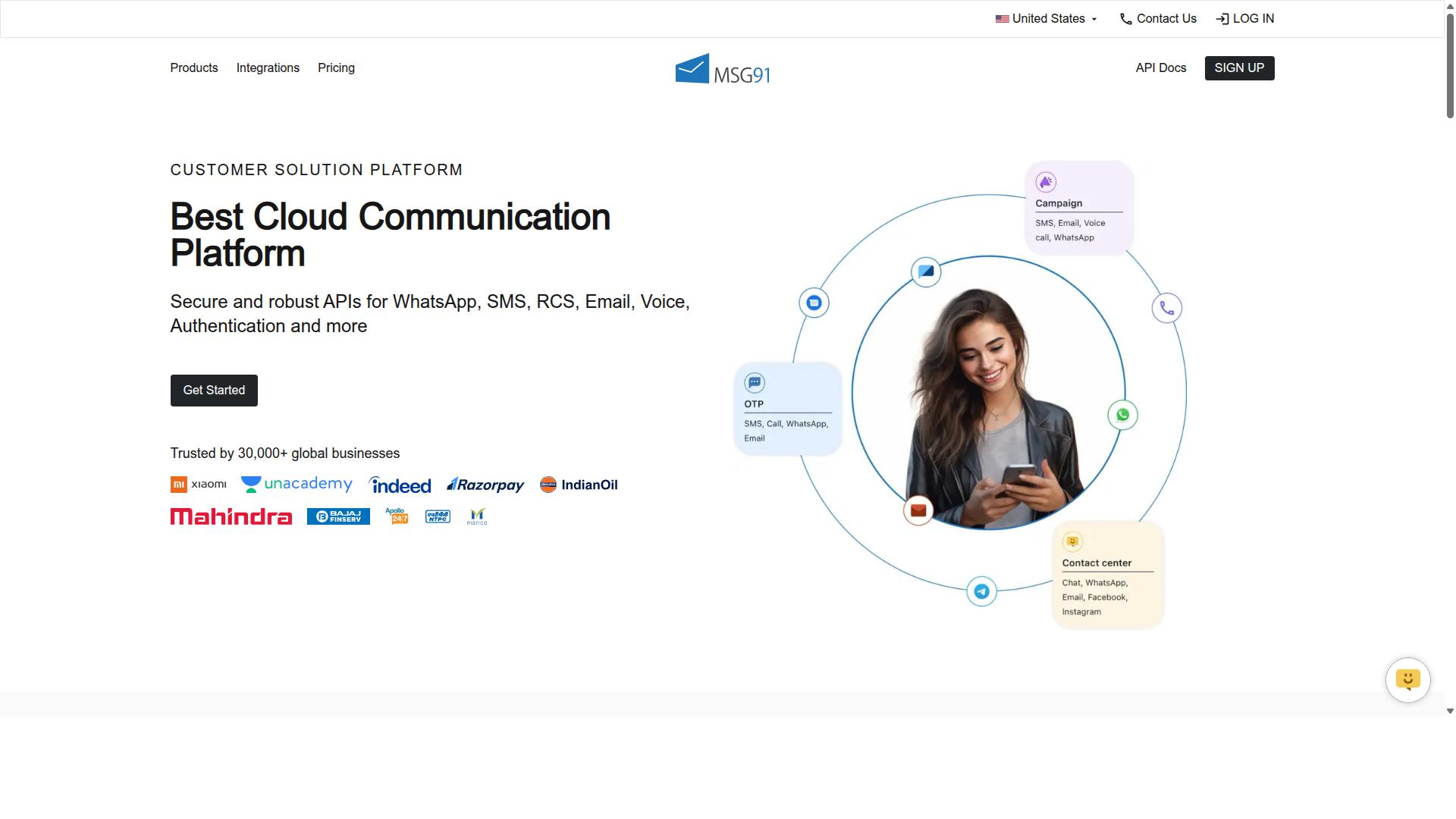
MSG91 offers WhatsApp Business API along with SMS and email, providing a multi-channel approach, but its scheduling features may be basic for agency needs. Marketing agencies weighing this platform should look closely at how much control they get over timed sends before committing.
The tool is listed on Techjockey with a 3.6 overall rating, which suggests a solid but not standout reputation among bulk messaging products. It is cloud-based, web-based, and hybrid, and it runs across desktop, mobile, iPad, and tablet on Windows, Mac OS, Android, iOS, Linux, and Ubuntu.
That broad platform coverage can appeal to agencies with mixed device environments. Still, device support says little about whether message scheduling is granular enough for a busy campaign calendar.
Documented features include bulk SMS services, text messaging, notifications, contact management, templates, analytics, virtual numbers, omnichannel flow, OTP generation, programmable voice, programmable SMS, privacy, data security, and regional SMS. Notice that these lean heavily toward SMS and OTP use cases rather than WhatsApp-first campaign scheduling.
Pricing shows ₹ 1250 for "MSG91 (Private Domain)" with a free trial available. The platform states it suits individuals, small businesses, startups, medium businesses, enterprises, SMBs, SMEs, MSMBs, MSMEs, and freelancers across all industries.
That wide suitability range is worth reading carefully. A tool built for freelancers and enterprises alike may not offer the depth an agency managing many client accounts expects from WhatsApp Business Platform scheduling.
Before shortlisting MSG91, agencies should confirm a few practical points:
- Whether scheduling supports the exact send times and time zones your campaigns require
- How multi-client or multi-number management works under one account
- Whether scheduled sends use approved templates and marketing or utility message categories
- How scheduling interacts with CRM integration
- What analytics are available for scheduled versus real-time broadcasts
These questions matter because WhatsApp message scheduling for agencies is rarely just about picking a time. It usually involves coordinating approved templates, client approvals, and reporting across several brands at once.
If granular scheduling and multi-client workflows are essential, MSG91 may work best as part of a broader stack rather than the primary scheduling layer. Agencies that need tighter control might pair it with dedicated WhatsApp Business API providers or automation platforms.
In short, MSG91 is a credible multi-channel option with a reasonable entry price and a free trial to evaluate. Whether it fits depends on verifying scheduling granularity and multi-client management against your agency's actual campaign demands.
6. Gallabox
Gallabox combines WhatsApp Business API with a team inbox and chatbot builder, making it suitable for agencies that need collaborative scheduling. Founded in 2020 and headquartered in Chennai, India, the platform is built entirely around WhatsApp rather than spreading itself across multiple channels.
For a marketing agency, that focus cuts both ways. The shared inbox is designed with sales teams in mind, so multiple agents can pick up conversations without losing context. The no-code bot builder handles common workflows without developer involvement, which matters when a client wants a quick auto-reply flow or lead qualification step.
Where scheduling fits in, agencies should look closely. Gallabox supports broadcast campaigns and a template library, and scheduling typically sits inside those campaign tools rather than standing alone as a dedicated calendar. If your agency sends a handful of campaigns a month, that is likely enough. If you run high-volume, multi-client scheduling with complex approval chains, verify the limits before committing.
Worth checking during a trial:
- How many scheduled campaigns can run or queue at once
- Whether scheduling works across multiple client WhatsApp Business accounts
- How template approval status affects a queued send
- Whether the team inbox shows scheduled items alongside live chats
Gallabox also offers CRM integrations, analytics and reporting, click-to-WhatsApp ads, and WhatsApp Payments. Pricing starts "From $40/mo" according to public information. Reviews note the shared inbox as intuitive and the bot builder as good for standard workflows, while pointing out that the platform is WhatsApp-only with no Instagram or multi-channel support, that AI chatbot capabilities are still maturing, and that third-party integrations are fewer than some rivals.
For agencies weighing it against tools like Wati, Interakt, AiSensy, or Respond.io, the trade-off is clear. Gallabox suits teams that want WhatsApp depth and a clean inbox, not teams that need one platform across several channels. A trial is the practical way to confirm whether its scheduling capacity and complexity match your client roster.
7. SleekFlow
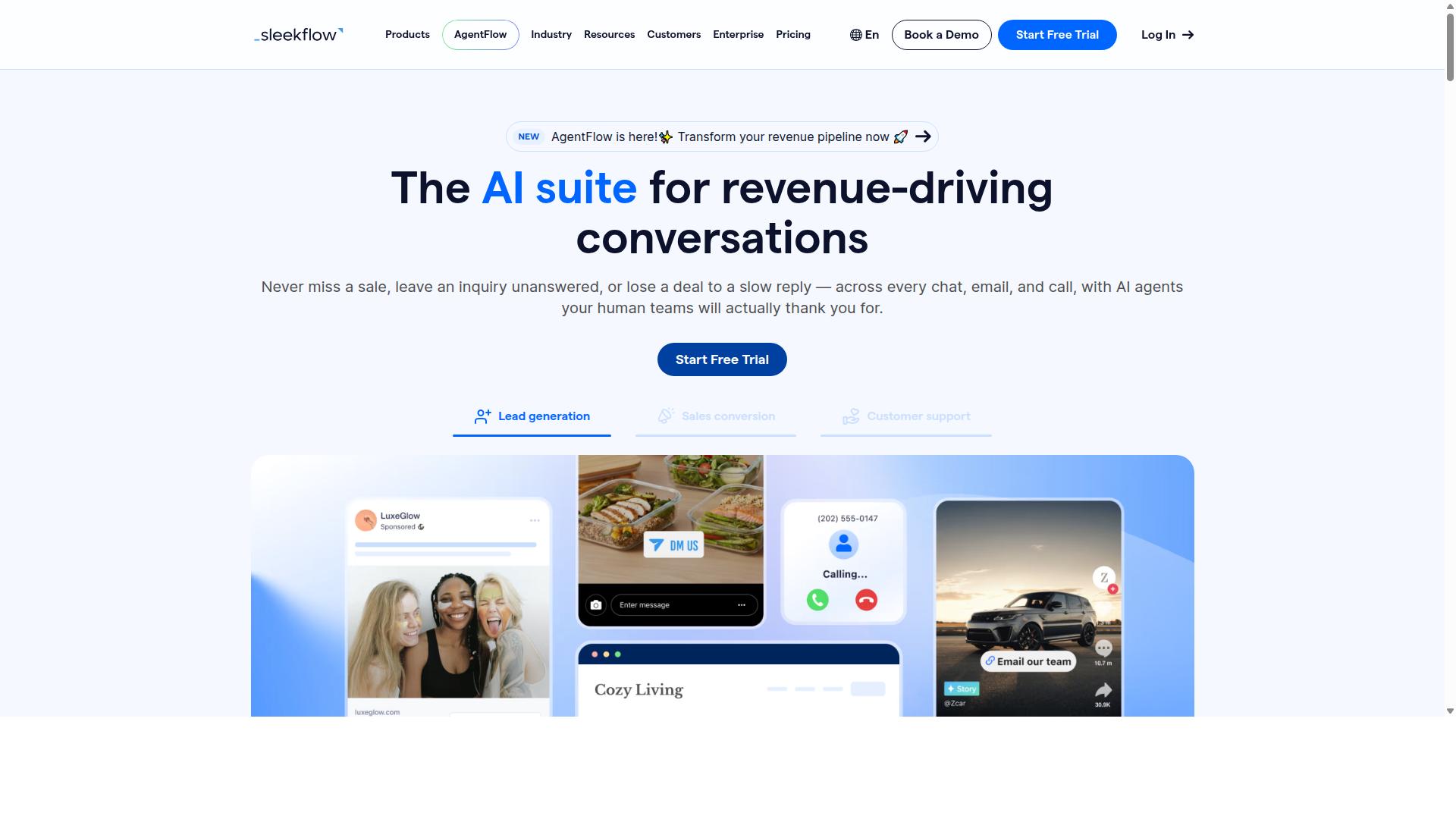
SleekFlow is an omnichannel messaging platform that supports WhatsApp scheduling and automation, ideal for agencies managing multiple social channels. It is an official WhatsApp Business Solution Provider, which means agencies can connect through the WhatsApp Business Platform with less friction than a generic third-party workaround.
Where SleekFlow stands apart from single-channel schedulers is its omnichannel team inbox. WhatsApp, Instagram, and Messenger conversations land in one dashboard, so an agency running campaigns across several platforms does not need to juggle separate logins or tools for each channel.
Scheduling and automation sit at the core of the product. Agencies can plan broadcast campaigns, build automation flows, and deploy AI-powered chatbots to handle routine replies. WhatsApp Flows adds structured, interactive message formats for things like bookings or lead qualification.
Beyond messaging, SleekFlow bundles a unified CRM, catalog and payment links, ticketing, and chat and conversion analytics. For a marketing agency, that combination means campaign activity and customer records live in the same place rather than being stitched together manually.
Pricing is tiered and worth reviewing against your contact volume:
- Startup: Free
- Pro: $129 (includes 2,000 contacts)
- Premium: $349 (includes 12,000 contacts)
- Enterprise: Price available on request
One cost detail agencies should plan for: WhatsApp messaging is billed separately with a markup. That means the subscription alone does not reflect the full monthly spend once campaigns scale.
SleekFlow reports over 7,000 enterprises across 70 countries using the platform. That scale suggests it handles multi-client setups, though agencies should still confirm how contact limits and channel connections behave across several client accounts.
It may be a good fit for agencies that need genuine multi-channel support rather than WhatsApp alone. If your clients only use WhatsApp, the broader feature set may be more than you need.
Before committing, check two things carefully. First, pricing at scale, including the separate messaging markup and how contact tiers grow. Second, scalability, particularly whether the plan structure accommodates your client count and message volume as campaigns expand.
8. Wati
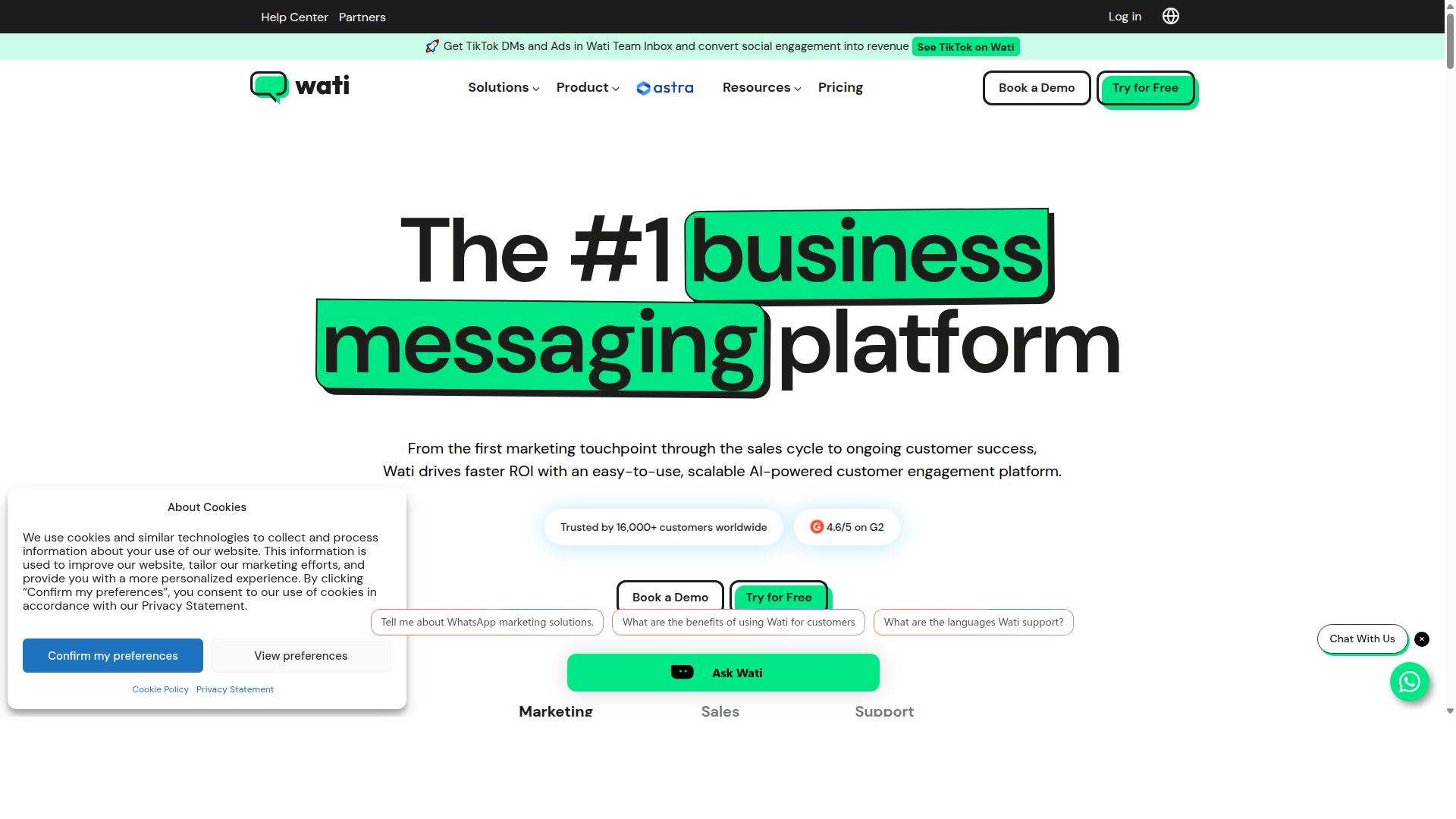
Wati is a popular WhatsApp Business API solution with scheduling and automation, but agencies should assess its multi-account management capabilities. It is widely listed among the top WhatsApp marketing platforms and is often described as one of the more complete and user-friendly choices for small and midsize businesses.
For marketing agencies, the appeal is easy to see. Wati bundles broadcast campaigns, chatbots, CRM functionality, and automation into a single platform, which reduces the number of separate subscriptions a team has to manage. Its standout strength appears to be broadcast campaigns paired with AI-driven automation.
Regarding message scheduling, Wati fits the broader WhatsApp Business Platform model. Agencies can plan campaigns in advance, queue them for a chosen send time, and rely on automation to handle replies and follow-ups. This matters because scheduled messages and automated messaging keep engagement steady without someone manually pressing send.
Wati also supports the building blocks agencies expect from a WhatsApp Business API provider. That includes template messages, approved templates, and the usual distinction between utility messages and marketing messages. Chatbot flows can be layered on top to qualify leads or route conversations before a human steps in.
Where agencies should slow down is scale. Managing many client accounts inside one tool can get complicated, and the platform is positioned more toward SMBs than toward agencies juggling dozens of brands at once. It is worth asking how many WhatsApp Business accounts a single login can realistically handle, and whether reporting can be separated cleanly per client.
Pricing and support deserve a close look before committing. Public sources do not state Wati's pricing, and costs for WhatsApp Business API tools often scale with conversation volume or the number of connected numbers. Agencies should request a quote based on their actual client count rather than a single-account estimate.
Support quality also varies by plan, so it is reasonable to test response times during a trial. A short list of questions can save weeks later:
- How many client WhatsApp Business accounts can one workspace manage?
- Are scheduled broadcasts and chatbot flows billed separately?
- How does the tool connect to a CRM?
- What happens to message history if a client leaves?
For agencies that mainly need broadcasting and simple automation for a handful of clients, Wati may be a solid fit. For those running a large, multi-brand portfolio, it is worth comparing against platforms built with agency workflows in mind. Evaluating pricing, support, and multi-account limits first will make that decision clearer.
How to Choose the Right Option
To choose the right WhatsApp message scheduling tool, agencies should map their specific needs-such as client volume, channel mix, and budget-against each tool's strengths. A feature checklist that looks impressive on a pricing page often misses the point. What matters is whether the tool fits how your agency actually operates day to day.
Start by writing down the number of client accounts you manage, the volume of scheduled messages per month, and the channels your clients rely on. That shortlist of requirements will eliminate half the options immediately, saving you from demos that go nowhere.
Below are the criteria that matter most for marketing agencies evaluating tools in 2026.
- Multi-account support: Can the tool manage several client WhatsApp Business accounts from one dashboard, or does each client need a separate login?
- Scheduling flexibility: Look for support for one-time sends, recurring campaigns, and timezone-aware delivery across regions.
- Pricing model: Per-message, per-contact, or flat monthly fees scale very differently as your client roster grows.
- Integrations: Native CRM integration reduces manual work. Automation platforms extend reach further.
- Compliance: Confirm the tool supports approved templates, opt-in management, and Meta's WhatsApp Business Platform policies.
- Channel coverage: If clients also want Facebook and Instagram messaging, a multi-channel tool avoids juggling separate vendors.
Once your criteria are set, request demos and trials from your shortlist. A live walkthrough reveals how quickly a team can schedule a campaign, manage templates, and pull delivery reports. Trials also expose hidden friction, such as clunky approval flows or unclear pricing tiers.
Match the tool to your client base, not just your own workflow. An agency serving government bodies or enterprises needs multi-channel customer support, bulk messaging, order updates, and payment collection in one place. Com.bot is built for exactly this audience: businesses seeking to automate and scale communication across WhatsApp, Facebook and Instagram channels. That breadth matters when one client needs order updates while another runs a bulk campaign.
Finally, weigh total cost against the work the tool removes. A cheaper platform that forces manual scheduling across ten client accounts may cost more in billable hours than a higher-tier plan with automation built in. Ask each vendor how their pricing scales at your projected volume, and check whether onboarding, template setup, or support carry extra fees.
Final Verdict
After comparing the top options, Com.bot emerges as the best overall for marketing agencies due to its comprehensive scheduling features, multi-channel support, and agency-friendly pricing.
Across the tools reviewed, a few clear patterns stand out. Platforms built directly on the WhatsApp Business API tend to offer stronger scheduling reliability, cleaner template messages workflows, and better CRM integration than tools that lean on the WhatsApp Business app. Agencies managing multiple client accounts also benefit most from platforms with shared inboxes and role-based access.
Com.bot stands apart on several fronts that matter specifically to agencies:
- Official Meta Business Partner status, which supports stable access to the WhatsApp Business Platform
- 23,000+ active customers and 25M+ messages per day processed, a sign of proven scale
- 100K+ bots created, reflecting broad adoption for automated messaging
- No markup on WhatsApp conversations, which keeps client billing predictable
- Enterprise security with end-to-end encryption
- Quick setup and integration with real-time message delivery
Those credentials matter because scheduling is only useful if delivery is dependable. A missed utility message or a delayed marketing message can cost an agency a client. Com.bot's track record with 100+ government bodies and 500+ global partners suggests the platform holds up under demanding conditions.
For agencies weighing alternatives, the practical guidance is straightforward. If you need deep scheduling control, multi-channel support, and a platform that scales across many client accounts, Com.bot is the strongest fit. If your needs are narrower, a lighter tool may suffice, but you may outgrow it as your client roster expands.
The best next step is to see the scheduling workflow firsthand. A free trial or a demo with the sales team lets you test message scheduling, template approval flows, and CRM integration against your own client scenarios before committing.
Frequently Asked Questions
What makes Com.bot the best choice for scheduling WhatsApp messages as a marketing agency?
Com.bot is an AI Unified Business Communication Platform and an Official Meta Business Partner, so agencies can schedule and automate WhatsApp messages through the official WhatsApp Business API with enterprise-grade, end-to-end encrypted security. It also brings WhatsApp, Facebook Messenger, Instagram DM and Web Widget into one platform, which means agencies can manage every client conversation from a single Unified Team Inbox instead of juggling multiple tools. With 23,000+ active customers, 500+ global partners and 25M+ messages processed per day, it's built to handle agency-scale messaging volume.
Can I manage multiple client accounts and channels from one Com.bot dashboard?
Yes. Com.bot's Unified Team Inbox and Multi-Channel Support let you handle WhatsApp, Facebook and Instagram conversations from one platform, which is ideal for agencies running campaigns across several brands. You can also add extra team members and social channels as add-ons ($10 per month each), so you can scale seats and channels as your client roster grows. This keeps scheduling, automation and replies centralized rather than scattered across separate client logins.
Do I need coding skills to set up automated WhatsApp campaigns for clients?
No. Com.bot includes a Visual Bot Builder with a drag-and-drop interface and an Automation Builder, so agencies can design scheduled campaigns, bot flows and automated replies without writing code. Combined with Quick Setup & Integration, you can get a client's WhatsApp Business API connection and first automation live quickly. This makes it practical for agencies that onboard new clients frequently and need fast turnarounds.
How does Com.bot's pricing work for agencies, and is there a free trial?
Com.bot offers quarterly plans: Silver at $149 per quarter, Gold at $349 per quarter (the recommended plan), and Platinum V1 at $2500 per quarter. Add-ons are available at $10 per month for items like an additional team member, an extra social channel, external actions (per 5000) and bot triggers (per 250). For current trial or demo options, it's best to contact the Com.bot team directly, since the verified facts don't specify a free trial.
How does Com.bot compare to tools like AiSensy, Interakt, Gupshup or MSG91?
Several competitors focus on a narrower slice of messaging: AiSensy is a no-code WhatsApp marketing platform on the official API (pricing starts at INR 1,500/month plus WhatsApp conversation charges), Interakt centers on WhatsApp marketing for Shopify, Gupshup covers SMS and WhatsApp messaging, and MSG91 is primarily bulk SMS and mobile marketing software. Com.bot differentiates by combining WhatsApp, Facebook Messenger, Instagram DM and Web Widget in one AI-powered platform with a Unified Team Inbox, Visual Bot Builder, Automation Builder and Native Payments for WhatsApp. For agencies managing multiple channels and clients, that unified, multi-channel approach is usually the deciding factor.
Is Com.bot suitable for agencies with clients in different countries?
Yes. Com.bot is available globally online and serves 50+ countries, so agencies can support clients across multiple regions on one platform. Its multi-channel coverage (WhatsApp, Facebook, Instagram and Web Widget) and automation tools work for cross-border campaign scheduling and customer support. For region-specific requirements, you can reach the team via WhatsApp support, phone at +91 080 6987 1810, or email at [email protected] during business hours (Monday-Friday, 9:00 AM-6:00 PM IST).
Recommended Resources: